Sunday, June 3, 2018

What I learned as a pre-service teacher in my IT course.

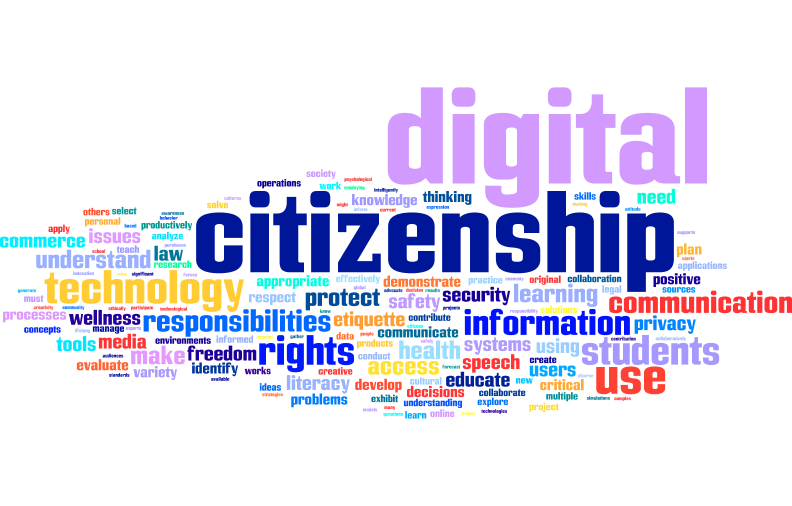
          Of all the ideas discussed in my IT course the one that really stood out to me was digital citizenship Image result for digital citizenship. Being a good digital citizen is something that needs to be taught and integrated into every lesson that uses technology. Being a good digital citizen means being aware of how your use of technology can affect yourself and others, and how to effectively manage that technology in such a way that no one is negatively effected. Having students being aware of their impact on themselves and others when using technology should be the first step to using technology as an educational device,  To get another perspective on what being a good digital citizen is, take a look at this video.

What Resource Did I Find Most Useful?

          We looked at many technology related resources that can benefit students. Some of these included websites dedicated to literacy and helping students approach literacy related content in an interesting way through their site. One that my group members and I spent some time designing a lesson plan around was a site called story jumper. Story jumper allows students to use digital media to tell the stories that they have created, or create new stories.

How Will I Use What I Have Learned?

           As an educator my eyes have been opened through my experiences during this course. The amount of educational based technologies available to teachers is vast. Almost any subject, or content that you might be covering, can be enhanced through proper technology integration. I am most excited to see how I can use my knowledge of educational technologies to enhance the learning of science for my middle school and elementary students. Too often science can fall into a boring repetition of procedures or readings. Through technology I intend to find creative ways to make science a truly engaging experience.

If There Was........

           One thing I wish I understood more and am more comfortable with is understanding what is developmentally appropriate in terms of technology use. Knowing what kinds of technology are able to be used by certain grade levels is a very important factor when it comes to technology integration. I have been looking at the common core state standards of Washington, found here, and they shed some light on this matter. Still, it is my goal to understand what technology can be used across all grade levels in any classroom setting.


Tuesday, May 22, 2018

A simple easy way to better understand test scores (wow this is easy)


I just watched this video, and wow, it was surprising to me that I had never thought of this before. You can click on the video above to watch it or the link, here, and take a look at it in another window or tab. The video was created by educator Jennifer Gonsalez, and can be found on here you tube channel "Cult of Pedagogy", as well as many other educational videos meant for teachers.

This video highlights an easy was to get more meaning from your students test score. All you do is, instead of merely grading each test and moving on, keep track of the questions student get wrong. If you do this for all students then by the end you can find patterns that may be present in the missed questions, or questions all students got correct. This can highlight whether or not your question needs work, or if better questions are needed. It can also tell you if students are getting it.


Saturday, May 12, 2018

iMovie as an ED tech??

For anyone who does not know what iMovie is you need to check it out. I have been toying with the idea of using it as an educational technology and it definitely has applications for any grade up from 3rd. I made an example video using iMovie about iMovie that you can watch here. It shows how versatile iMovie can be.

iMovie allows the user to make videos using imported media, such as pictures, videos, or audio clips. It also has other customization features that can turn any video into a work of art or an informative short clip. You can add text and backgrounds, overlaying the audio that you want, where and when you want. The best thing about all this is how easy it is to use. To make a video all you do is drag your imported media into the video window and its ready to use. Crazy right! This program will give students the ability to make creative videos for a variety of educational purposes. Give it a try!  

Monday, May 7, 2018

Assistive Tech Works with Decimals!

I found this really cool educational assistive technology that helps students who are struggling with the concept of decimals. I rented it from the Educational Assistive Technology Resource Center ( or EATRC) at Western Washington University. Click here to see where to find it. This tool allows students to utilize tactile means to explore the concept of decimals. This type of approach can benefit students who struggle to stay on task, especially those ones that really don't like math. Being able to do math in like this will make it seem more fun too. Kind of like how you put your dog's pills in a piece of cheese.

Sunday, April 29, 2018

What is Digital Citizenship??

       Digital citizenship is something that needs to be talked about. This is especially true for young people. Most often I would doubt that a kid who is surfing the web is thinking about who may be out there trying to get their personal information. The internet is a great tool, and it can be used for anything. This fact needs to be taught to young people early, when they are first learning how to use the internet. If this can be done that person will be much safer and will have the ability to not do inadvertent harm to others as well.
       Having digital citizenship means knowing the power you and others have using technology, usually related to online activity, and choosing to use that power appropriately. One way that I would teach this to young people is by showing them accounts of people who have been subjected to the will of bad digital citizens. These people will provide a solid grounding in reality for why this type of technology related behavior is necessary. Providing exercises that allow them to make choices that a good digital citizen would make would help too.

Sunday, April 22, 2018

A teacher turned technology expert and her blog

    I really like this blog, found here, because her perspective is unique. I have never come across a person who can be a source of technology integration knowledge having also formerly been a teacher. Her perspective is valuable because she will understand better than most what kinds of technology will work in classrooms and what won't.
    She has many posts that speak directly to issues that are related to things teachers who are doing their best to incorporate technology into their classrooms want to know. Beth Knittle, the author of this blog, talks about what is happening in Massachusetts, the state she works in. One of her posts describes how the state curriculum of Massachusetts has adopted digital literacy and computer science as a new discipline. This is big, The state has not addressed the learning of digital material as important as subjects like math, or reading, science, etc. How will this affect teaching for that state? Will other states adopt this discipline?
   

A science related blog about learning!!

     I found a blog that relates particular scientific research to learning strategies. This is simply great! The blog, found here, is written exclusively by one man, Dr.Bill Klemm. He is a neuroscientist, education consultant, and professor. This guy is someone who teachers of all kinds would benefit from listening too.
     In his blog he shares all relevant data related to learning that he finds on ways to make it easier through his expertise, neuroscience of related content. He also shares valuable information that he gains from the scientific community. Educators would do well to pay attention to the scientific community so they can stay up to date on science content and research. It is my opinion that all teachers should take neuroscience courses, or similar courses.